TikTok Emoji Strategy: How to Use Emojis in Captions, Comments, and Content Planning
Discover how a cohesive emoji strategy can streamline your TikTok content planning, enhance readability, and maintain brand consistency across your team's posts. Learn practical tips for integrating emojis effectively in captions, comments, and more to boost your marketing workflow.
PostlessSeptember 3, 202611 min read

Most TikTok teams do not have an emoji problem — they have a consistency problem.
One person writes captions with three fire emojis and a sparkle storm. Another uses none. A third copies whatever felt trendy last week. The result is not just messy branding; it also slows down planning, makes approvals harder, and creates captions that are harder to scan.
A strong tiktok emoji strategy fixes that. Emojis can improve readability, reinforce tone, and help your team publish faster when they are used with a clear system. For marketers managing content at scale, that matters. TikTok is already a fast-moving channel, and a repeatable workflow around captions, comments, and content planning can save time while keeping posts on-brand. As broader TikTok strategy guides note, regular publishing and a content calendar are key parts of an effective approach (Hootsuite, House of Marketers).
Below is a practical guide to using emojis in TikTok captions, comments, bios, and text overlays without turning your content into visual noise.
Why TikTok Emoji Usage Matters
Emojis do more than decorate a post. Used well, they help the eye move through short-form copy faster.
That matters on TikTok because captions are often scanned quickly. A few well-placed emojis can break up dense text, highlight a hook, or separate a CTA from the rest of the caption. For example, a caption that reads like a wall of text can feel heavy, while the same message with small visual markers is easier to read.
Emojis also help with tone. Short-form content has less room for nuance, so a single emoji can clarify whether a post is playful, celebratory, urgent, or instructional. That can prevent copy from feeling too stiff or too salesy.
For marketing teams, the biggest benefit is workflow efficiency. If your emoji choices are standardized, writers do not need to reinvent the style of every caption. Editors can review faster. Social schedulers can move content through approvals with fewer revisions. Over time, that consistency supports brand recognition and faster production.
Where to Use Emojis on TikTok
There are a few high-value places to use emojis on TikTok. Each one serves a different purpose.
Captions
Captions are the most obvious place to use a tiktok emoji strategy.
Use emojis to frame a hook, emphasize a list, or support a CTA. For example:
- “New feature drop 🚀”
- “3 quick fixes for your workflow ✅”
- “Want the template? Drop a comment 👇”
The goal is not to replace the message. It is to make the caption easier to scan and quicker to understand.
Comments
Comments are useful for community management, quick replies, and reactions to UGC or creator content.
A brand replying with a friendly emoji can soften the tone and make the interaction feel human. This works especially well when your team is managing high comment volume and wants to stay responsive without writing long replies every time.
Examples:
- “Love this one 🙌”
- “This is exactly the kind of result we want 💡”
- “Saved for later 🔖”
Bio
Your TikTok bio has limited space, so emojis can help communicate personality fast.
Use them sparingly. A bio should still be readable without leaning too hard on icons. Think of emojis as small separators or signal markers, not decoration for decoration’s sake.
Example:
- “Social content planning for busy teams 📅 Scheduling, workflows, and better publishing habits.”
Text overlays and on-video copy
Text overlays should stay clean. Emojis can help emphasize one idea without cluttering the frame.
Good uses include:
- marking a step in a tutorial
- highlighting a result
- signaling a before/after
- drawing attention to a deadline or launch
Avoid adding too many on-screen emojis if the video already has motion, subtitles, or a lot of visual information. Clarity comes first.
How to Choose Emojis That Fit Your Brand Voice
The best emoji strategy starts with brand voice, not trends.
If your brand is direct and practical, you might lean on simple symbols like ✅, 📌, and 🔎 to support clarity. If your brand is more playful, you might use emojis like ✨, 👀, and 🙌 more often. If your tone is premium or minimal, you may use fewer emojis overall and keep them tightly controlled.
A useful way to approach this is to define your emoji family:
- Instructional: ✅ 📌 🔎
- Launch / hype: 🚀 👀 🔥
- Community / support: 🙌 💬 ❤️
- Planning / productivity: 🗓️ 🧠 ✍️
Then define what to avoid. If your brand is professional and utility-driven, you may not want random novelty emojis or anything that feels too casual. If your audience is B2B, too much slang-style emoji usage can undermine credibility.
Document this in the same place you store caption rules, hashtag guidance, and approval notes. If your team already uses a brand guide or planning doc, add emoji preferences there so creators do not improvise every time.
Emoji Best Practices for Captions and Scheduling Workflows
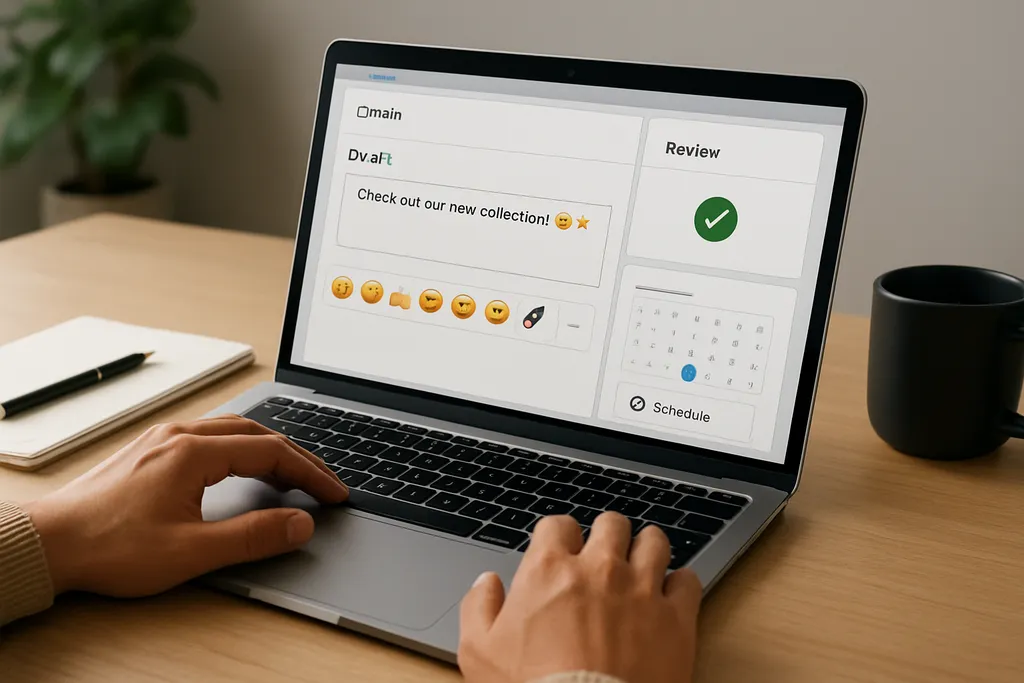
A good caption should still work without the emojis. That is the rule.
Here are the best practices to use when building your TikTok workflow:
Keep emoji density low
A few emojis usually do more than a long string. Too many icons make captions feel noisy and reduce readability.
A simple test: if the emojis are competing with the message, remove some.
Place emojis strategically
Emojis work best in three places:
- At the start to introduce a topic
- In the middle to separate ideas
- At the end to reinforce the CTA or emotion
For example:
- “New checklist for your posting workflow 📅”
- “Plan the idea, draft the caption, schedule the post ✅”
- “Want the template? Comment ‘plan’ 👇”
Use emojis to support the CTA
Do not let emojis do the job of the CTA. They should support the action, not replace it.
Weak: “New guide ✨” Better: “New guide on scheduling TikTok posts. Save it for your next content sprint ✨”
Build review into the scheduling workflow
When multiple people touch a post, emoji consistency needs a review step. A caption might look fine in a draft doc but feel off once it is paired with hashtags, line breaks, and the final creative.
A simple process:
- Writer drafts caption with approved emoji style.
- Editor checks clarity and brand fit.
- Social manager confirms timing, CTA, and formatting.
- Post is scheduled.
Tools that support scheduling and approvals help here because they reduce back-and-forth and keep the final version in one place. If your team is also planning other channels, you may find workflows like those used for Instagram stories helpful too — see our guide on IG Stories: A Practical Guide to Planning, Scheduling, and Measuring Instagram Stories.
If your team wants to standardize publishing across channels, it can also help to connect emoji rules to your broader automation process. See Automating Social Media Posts: A Practical Workflow for Consistent Publishing.
TikTok Emoji Examples for Common Content Goals
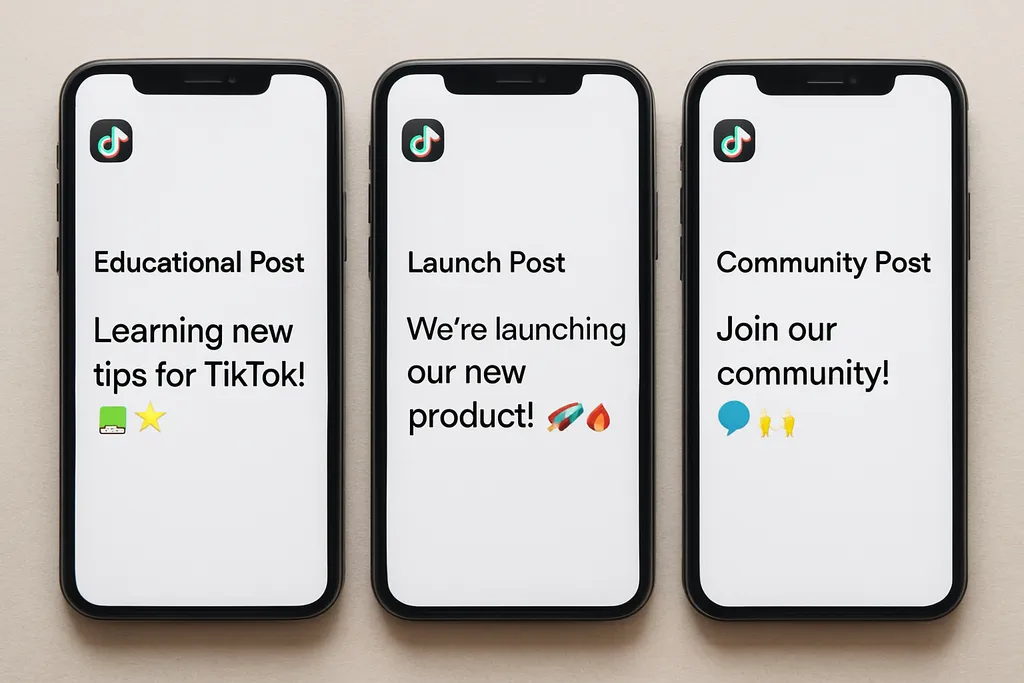
The best emoji style depends on the post type and campaign goal.
Educational posts
Educational content works well with simple structure markers.
Examples:
- “3 ways to improve your caption workflow ✅”
- “Step 1: Choose the hook 📌”
- “Quick tip for faster approvals 🔎”
For tutorials, use emojis to number steps, separate sections, or make key points easier to skim.
Product launches
Launch content usually needs more energy and urgency.
Examples:
- “New feature is live 🚀”
- “Launching today at 2 PM 👀”
- “Early access ends Friday ⏳”
Here, emojis help highlight timing and create momentum without writing a long announcement.
Community and reply content
Replies should feel human, warm, and conversational.
Examples:
- “We love seeing this 🙌”
- “Exactly — that’s the idea 💬”
- “Thanks for calling that out ❤️”
These small touches can make your brand feel more approachable, especially in comment threads.
Seasonal or recurring series
If you run a recurring series, use a stable emoji pattern so the audience recognizes it.
Examples:
- Weekly tip series: “Monday content fix 📅”
- Monthly recap: “What shipped this month 🗂️”
- Campaign countdown: “3 days left ⏳”
Consistency matters more than cleverness here. The audience should be able to recognize the format at a glance.
Common TikTok Emoji Mistakes to Avoid
Emojis are easy to overuse. That is where most teams go wrong.
1. Overloading captions
If every line has multiple emojis, the caption starts to feel cluttered and unprofessional. Use enough to guide the eye, not enough to distract it.
2. Using emojis that can be misread
Some emojis do not mean the same thing to every audience. Before you use one widely, make sure it fits your audience and region.
3. Random combinations with no purpose
A caption full of trendy icons but no clear system can look careless. If an emoji does not support tone, structure, or CTA, remove it.
4. Changing style too often
If one post uses minimal icons and the next uses a full emoji parade, the brand loses recognition. Consistency is more valuable than novelty.
5. Letting emojis replace actual copy
Emojis can support meaning, but they should not carry the entire message. Keep your copy clear, searchable, and specific.
How to Build an Emoji Library for Your Content Team
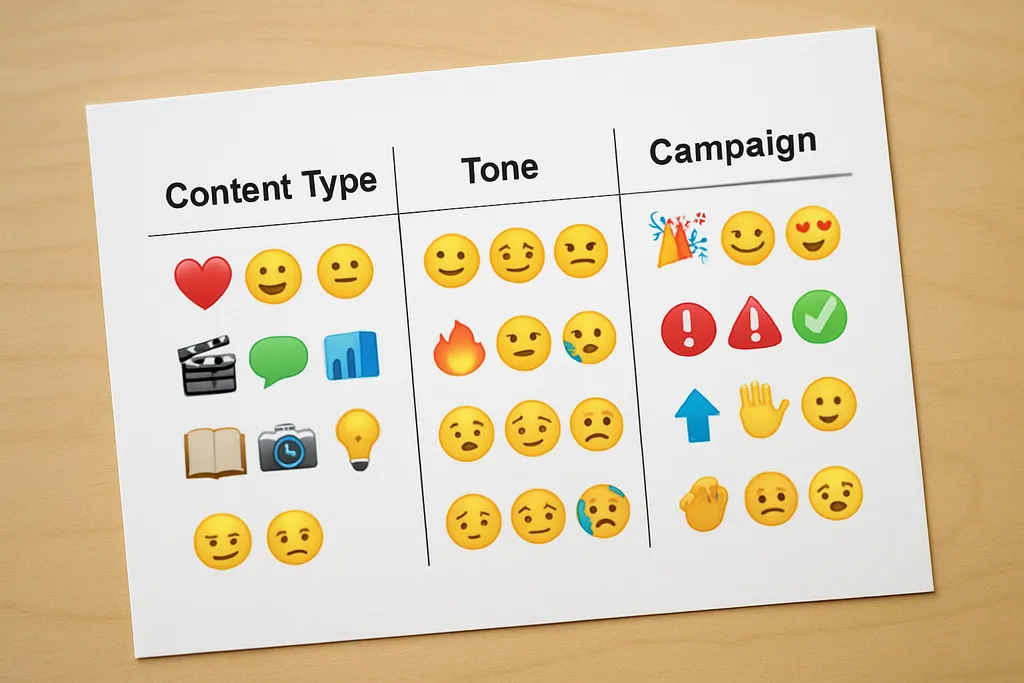
If multiple people create or schedule content, an emoji library can save a lot of time.
Start by creating a shared list of approved emojis and what they mean in your brand system.
Organize the library by content type
Map emojis to common categories such as:
- tips
- launches
- testimonials
- Q&A
- community replies
- seasonal campaigns
Add examples, not just emoji lists
A simple emoji list is useful, but examples are better.
For each category, include:
- a sample caption
- the emoji pattern
- the tone it supports
- when not to use it
Store it in one source of truth
Keep the library in your brand guide, content planning doc, or scheduling tool notes. The key is to make it easy to find during drafting.
Use it to speed up production
When the library is shared across writers, editors, and social managers, people can draft faster and approve faster. That is especially helpful when you are batching a week or month of content and want to keep publishing consistent.
A Simple Workflow for Planning TikTok Posts With Emojis
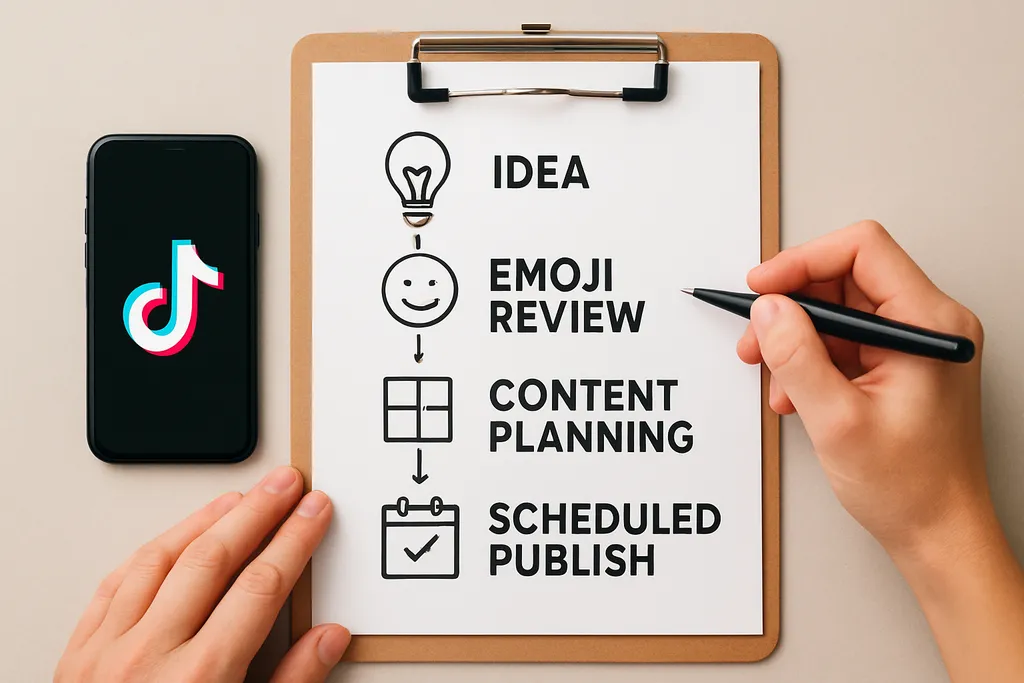
Here is a practical workflow your team can use.
-
Plan the angle first.
Decide the post objective, hook, and CTA before thinking about emojis. -
Choose the emoji pattern.
Pick an approved style that supports the message and brand tone. -
Draft the caption.
Write the caption so it still makes sense without the emojis. -
Review for clarity.
Check whether the emojis improve scannability or just add clutter. -
Schedule the post.
Keep the approved version in your scheduling tool so the team does not rework it later. -
Track engagement.
Look for patterns in saves, comments, and completion rates to see which emoji styles support performance.
If you are planning at scale, the workflow should be repeatable. That is the whole point of using a content system. You are not trying to make every caption different. You are trying to make every caption easier to produce, approve, and publish.
FAQ
Do emojis help TikTok posts perform better?
They can help posts feel clearer, friendlier, and easier to scan, which may support engagement.
How many emojis should I use in a TikTok caption?
Use only as many as improve readability and tone; usually a few well-placed emojis are enough.
Should brands use the same emojis every time?
A consistent emoji style helps build recognition, but it should still fit the post and campaign.
Can emojis replace hashtags or keywords?
No. Emojis can support tone, but they should not replace clear copy, hashtags, or search-friendly wording.
Where should teams document emoji rules?
Add emoji preferences to your brand voice or content planning guide so everyone follows the same system.
Final takeaway
A smart tiktok emoji strategy is not about being cute. It is about making captions easier to read, comments easier to manage, and planning easier to scale.
When your team defines which emojis fit your brand, where they should appear, and how they should be reviewed before scheduling, you get more consistent content with less friction. That is especially valuable for teams running recurring TikTok campaigns, batch production, or multi-channel workflows.
If you treat emojis as part of your content system, not an afterthought, they become a small but effective lever for clarity, tone, and speed.