Best Time to Post on Instagram: How to Find the Right Window for Your Audience
Maximize your Instagram engagement by strategically timing your posts. Discover how to identify the best posting windows tailored to your unique audience and content style.
PostlessSeptember 4, 202612 min read
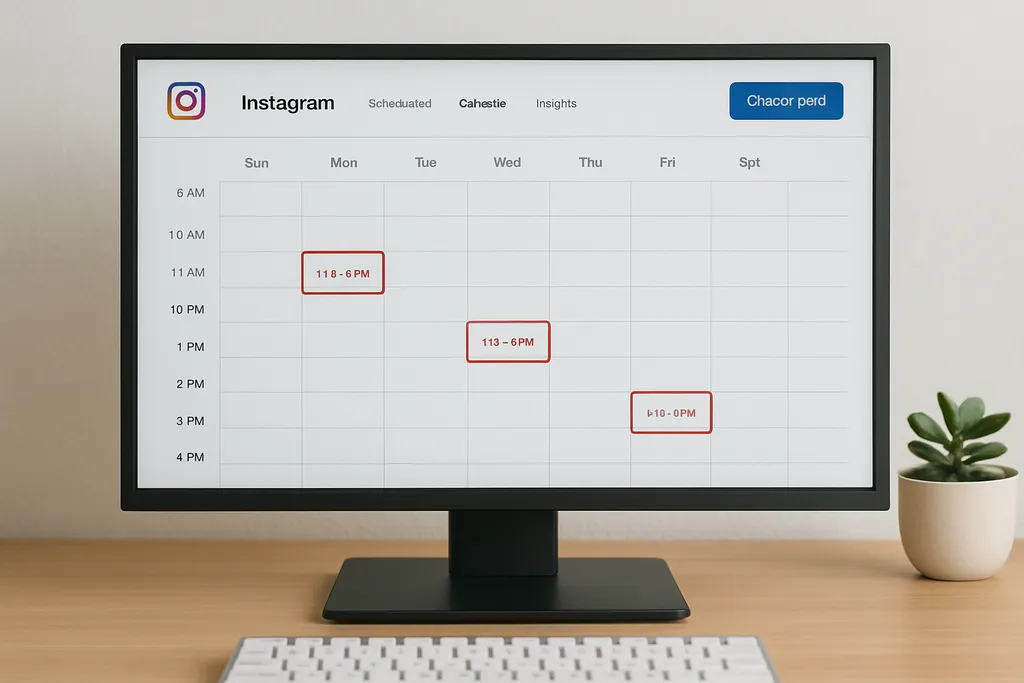
The short answer: the best time to post is when your audience is most likely to engage
There is no single universal best time to post Instagram content. The right window depends on your audience, your content format, and how consistently you publish.
That said, timing still matters. On Instagram, the first wave of engagement can influence how far a post travels. Early likes, comments, saves, and shares signal that your content is relevant, which can help it earn more reach over time. If your post lands when your followers are active, you give it a better chance to build momentum before the feed moves on.
Industry studies can be a useful starting point. Reports from tools like Hootsuite and Sprout Social point to broad high-activity windows, but those are averages across many accounts. They are not a substitute for your own account-level data.
The practical way to think about timing is simple:
- Use broad guidance to choose a starting window.
- Test a few likely posting times.
- Compare performance across similar posts.
- Turn the winner into a repeatable scheduling rule.
That process is far more useful than chasing a single “perfect” posting time.
What good posting times on Instagram usually look like
When marketers first test timing, they usually start with a few familiar windows:
- Weekday mornings
- Lunch breaks
- Early evenings
Those periods often line up with natural phone-checking habits. People look at Instagram before work, during breaks, and after work when they are catching up on content. That does not mean those are the only good times. It means they are efficient places to start testing.
What counts as a “good” posting time also depends on format. A feed post may perform well at one time, while a Reel or Story may perform better at another. For example, Reels often have a longer engagement tail because discovery can continue beyond the first hour. Stories may benefit more from timing that matches your followers’ daily routines because they disappear quickly and are usually consumed in order.
Audience behavior matters more than social media mythology. A B2B audience that checks Instagram during work breaks behaves differently from a consumer audience, a creator community, or a page with followers spread across multiple regions. The same post can perform differently depending on who sees it first.
A useful rule of thumb:
- Pick 2–3 candidate time slots.
- Keep the content type as similar as possible.
- Compare results over several posts, not just one.
That gives you a cleaner signal and helps avoid making decisions from one lucky post or one bad day.
For a deeper look at Stories planning and measurement, see our guide to IG Stories: A Practical Guide to Planning, Scheduling, and Measuring Instagram Stories.
What changes the optimum time to post on Instagram
The best posting window changes because audiences do not behave like a single group. A strong timing strategy accounts for the factors that shape when people actually engage.
Audience time zone and location mix
If your followers are concentrated in one city or one country, timing is easier. You can schedule around local active hours and optimize for the strongest overlap.
If your audience is spread across regions, timing becomes more strategic. You may need to prioritize:
- Your largest time zone
- Your highest-value market
- The overlap window between regions
For global accounts, the “best” time may be a compromise between regions, or you may need different posting windows for different content series.
Audience role and routine
Different audiences check Instagram at different points in the day:
- B2B audiences may be more active during work breaks or commute windows.
- Consumer audiences often engage more in the morning, at lunch, or in the evening.
- Creators and marketers may check more frequently throughout the day.
- Community-led accounts may see strong engagement when their audience is already in discussion mode, such as after school, after work, or during event-related moments.
The more clearly you understand your audience routine, the easier it is to predict timing.
Content type
The type of content you publish also affects timing.
- Educational carousels often benefit from windows when people have time to swipe and save.
- Brand storytelling may do better when followers are in a browsing mindset.
- Product launches may need to align with campaign emails, paid support, or other channel activity.
- Reels may perform well in discovery-heavy windows and can keep accumulating engagement later.
This is why teams should not use one posting time for every format. Timing should support the job of the content.
Posting cadence and consistency
If you publish often, timing differences can smooth out over time. One post may underperform, but the account still has enough volume to show clear patterns.
If you post infrequently, each slot matters more. A single missed window can make performance look weaker than it really was. That is why consistent publishing is important: it gives you better data and more reliable comparisons.
Campaign context
Launches, holidays, events, and paid amplification can all shift the ideal time. A post scheduled for the “perfect” hour may still underperform if it lands during a crowded news cycle or outside a campaign sequence.
In other words, timing is not isolated. It works alongside the rest of your marketing workflow.
How to find your own best time to post Instagram content
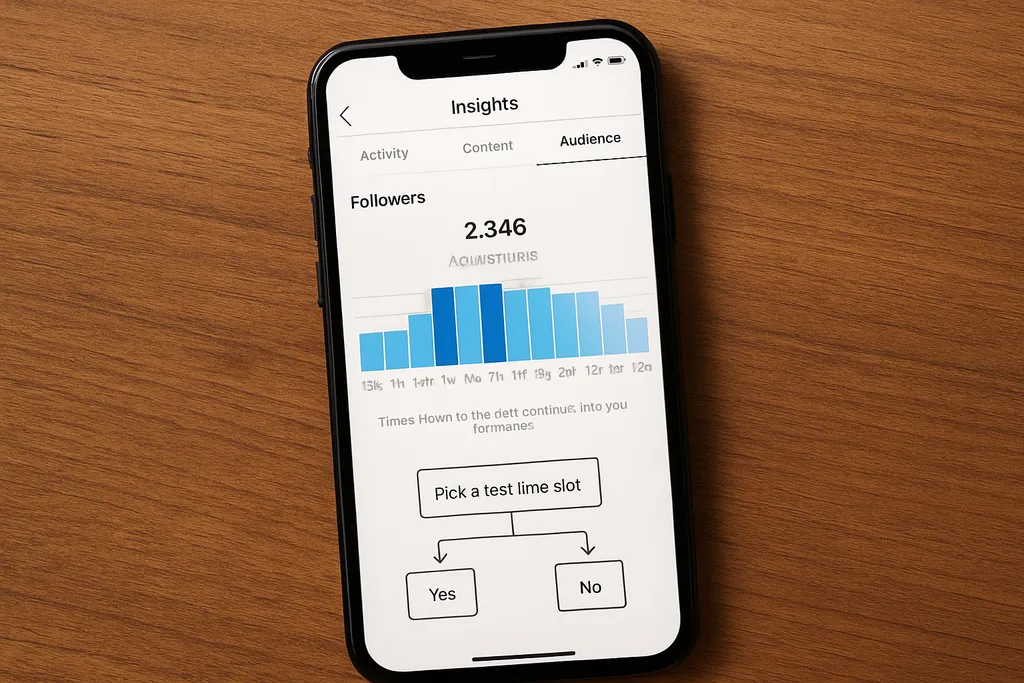
The most reliable answer comes from your own data. Instagram gives you enough signal to start making decisions, and scheduling tools make it easier to test those decisions consistently.
1. Use Instagram Insights
Start with Instagram Insights and look at when your followers are most active by day and hour. This gives you a baseline, not a final answer. It tells you when your audience is present, not necessarily when they are most likely to engage with your specific content.
Use those insights to narrow your test windows.
2. Review recent posts by time and format
Look back at recent content and compare:
- Publish time
- Content format
- Engagement rate
- Saves
- Shares
- Comments
- Profile actions
Do not focus only on likes. Likes are useful, but they are not the most valuable signal for most marketing teams. Saves and shares often indicate stronger content value, and comments may show deeper audience interest. Profile visits, website clicks, and follows can also matter depending on your goal.
3. Choose a baseline schedule
Pick one consistent posting window as your baseline. Then choose a small set of alternatives to test around it.
For example:
- Baseline: 11:00 a.m.
- Alternative A: 8:00 a.m.
- Alternative B: 5:30 p.m.
This is easier to manage than changing your schedule every few days.
4. Track everything in one place
Use a spreadsheet or a planning tool to track:
- Date
- Time posted
- Format
- Topic
- Primary KPI
- 30–60 minute engagement
- 24-hour engagement
- Notes on anomalies
A social planning tool makes this easier because the schedule, draft status, and historical results can live closer together. That matters when multiple people are involved in drafting, approvals, and publishing. If your team is trying to improve timing, the workflow should support that goal instead of adding more manual work.
If you are building more repeatable publishing habits, this pairs well with Automating Social Media Posts: A Practical Workflow for Consistent Publishing.
A simple testing workflow for teams
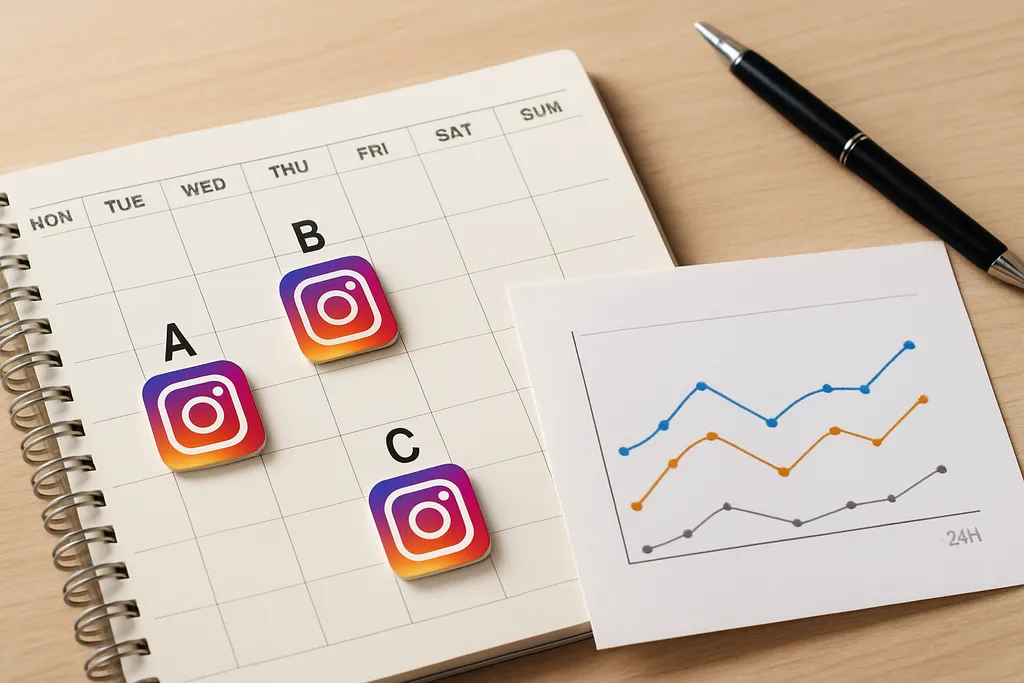
The cleanest way to find the best time to post on Instagram is to test like a marketer, not like a gambler.
Step 1: Pick three time slots
Run a test for two to four weeks using:
- One control slot
- One early slot
- One later slot
For example, you might test 8 a.m., 12 p.m., and 6 p.m.
Step 2: Match content types
Compare similar posts against each other. Do not pit a product launch Reel against a low-stakes quote graphic and expect the timing data to mean much. Use similar formats and campaign intent where possible.
Step 3: Measure early and late performance
Look at both:
- The first 30–60 minutes
- The 24-hour result
The first hour helps you understand early momentum. The 24-hour result helps you capture the full picture, especially for Reels and carousel posts that continue to earn engagement after the initial push.
Step 4: Note exceptions
Write down anything unusual:
- Holiday traffic
- Trending topic spikes
- Paid boosts
- Cross-channel promotion
- Major news events
- Team mistakes or delays
Without this context, you may misread the data and optimize for noise instead of behavior.
Step 5: Make one decision at a time
If you change format, caption style, and posting time all at once, you will not know what caused the result. Isolate one variable when possible.
That is the whole point of a simple workflow: better data, fewer guesses.
How to build an Instagram scheduling system around your timing data
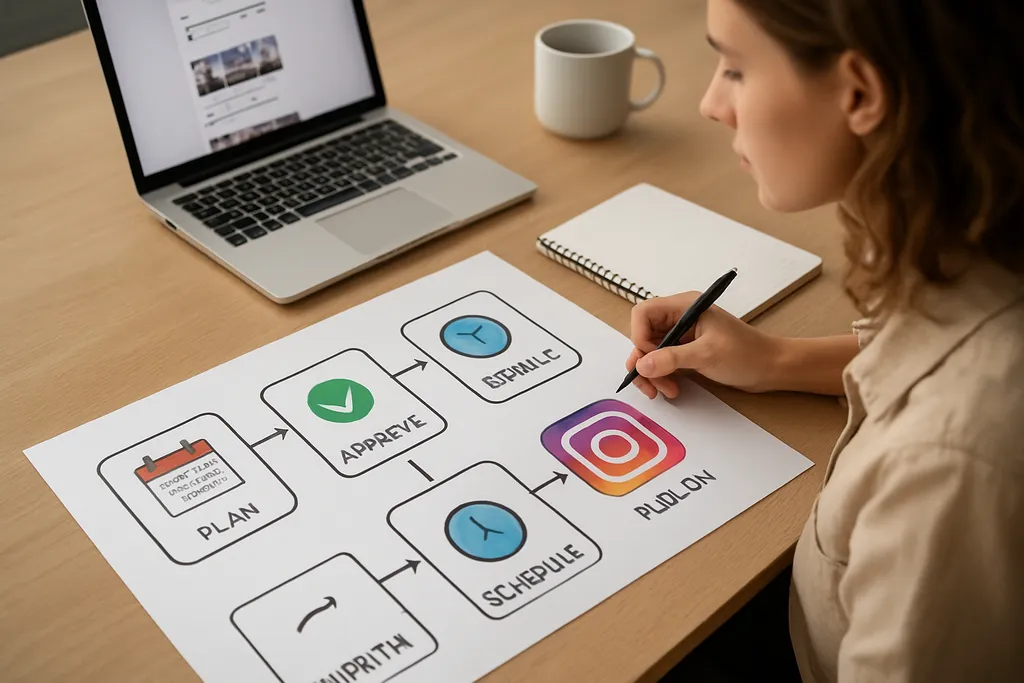
The goal is not to find a perfect time once. The goal is to build a schedule your team can actually maintain.
Turn timing into a calendar rule
Once you identify a winner, map content types to that window.
For example:
- Educational carousels: Tuesday and Thursday at 11 a.m.
- Reels: Monday, Wednesday, Friday at 6 p.m.
- Stories: daily throughout the day, with heavier sequencing during peak hours
This turns timing into a planning system instead of a last-minute decision.
Use scheduling tools to protect the workflow
Scheduling tools let your team publish at the right time without needing someone online to hit “post” manually. That matters when your team works across time zones, handles approvals, or manages several channels at once.
A good workflow usually looks like this:
- Draft content
- Review and approve
- Design assets
- Queue the post
- Monitor performance
- Log the result
That process is much easier to sustain than posting reactively whenever a draft happens to be ready.
Review timing monthly
Audience habits change. So do platform behaviors, campaign priorities, and content formats. Build a monthly review into your planning process so your timing assumptions do not go stale.
At the review, ask:
- Which time slots won?
- Which format was most sensitive to timing?
- Did weekday patterns outperform weekend posts?
- Did saves and shares rise in one window?
- Did any recent campaign distort the data?
The goal is to keep your schedule current without rebuilding it from scratch every week.
When timing matters less than execution
Timing matters, but it is not magic. A weak post published at the “perfect” time is still a weak post.
In some cases, execution matters more than schedule:
- A highly shareable educational post can outperform because the insight is strong.
- A trend-based post can travel because the hook is timely.
- A clear product announcement can convert because the offer is relevant.
- A strong Reel can keep gaining engagement long after publish time.
That is why timing should be treated as an amplifier, not a substitute for content strategy.
If your creative is not clear, your timing will not save it. If your audience does not care, a perfect window will not create demand. The best results usually come from pairing strong content with a publishing system that respects audience behavior.
For more on planning platform-specific content, see our guide to TikTok Emoji Strategy: How to Use Emojis in Captions, Comments, and Content Planning.
Your next steps
If you want a practical action plan for finding the best time to post Instagram content, start here:
- Check your Instagram Insights.
- Pick one baseline posting window.
- Test 2–3 alternative slots.
- Compare similar posts across formats.
- Track saves, shares, comments, and profile actions.
- Document the winner in your content calendar.
- Use scheduling tools so the team can publish consistently.
The real answer to the “best time to post Instagram” question is not a chart. It is a repeatable system that your audience keeps proving with engagement data.
FAQ
Is there one best time to post on Instagram?
No. The best time depends on your audience, location, and content type. Use broad timing guidance as a starting point, then confirm it with your own Instagram Insights.
What are good posting times on Instagram?
Common test windows are weekday mornings, lunch hours, and early evenings. These are starting points, not universal rules.
Does the optimum time to post on Instagram change for Reels?
Yes. Reels can perform differently from feed posts because they often rely more on discovery and longer-tail engagement.
How many times should I test before changing my schedule?
Test each time slot for at least two to four weeks, or enough posts to see a pattern, before making a big scheduling change.
Should I post when my audience is most active or when my team is available?
Prioritize your audience’s active windows, then use scheduling tools so your team can publish at the right time without manual effort.
If you want a planning system that makes this easier to maintain, tools like Postless help teams schedule content in advance, compare performance patterns, and build a workflow around the times that actually work.